

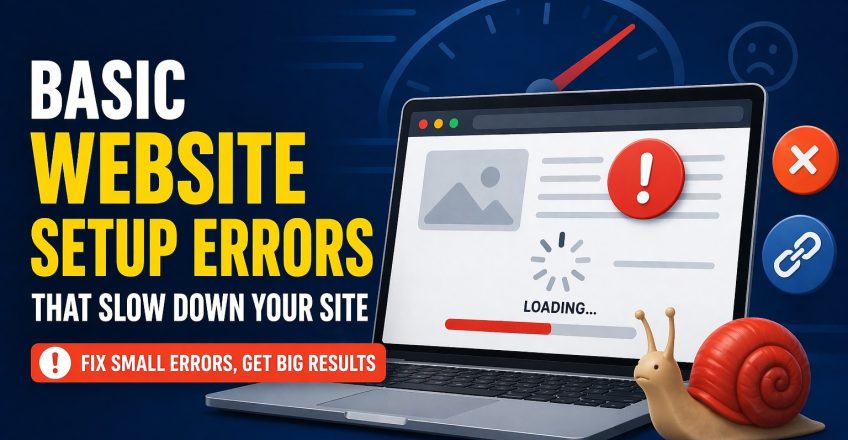

Many website owners spend time choosing colors, writing content, and adding pages, but they ignore the technical foundation that controls speed. That is where website setup errors begin to cause real damage. A website may look good on the surface, yet still load slowly, frustrate visitors, and struggle to rank well on Google because the setup was not handled properly from the start.
The truth is simple. A slow website is often not caused by one major issue. It is usually the result of several small decisions made during the initial launch. Poor hosting, oversized images, too many plugins, weak caching, broken links, and a heavy theme can all work together to create serious performance problems. If you understand these website setup errors early, you can fix them before they hurt your traffic, leads, and user experience.
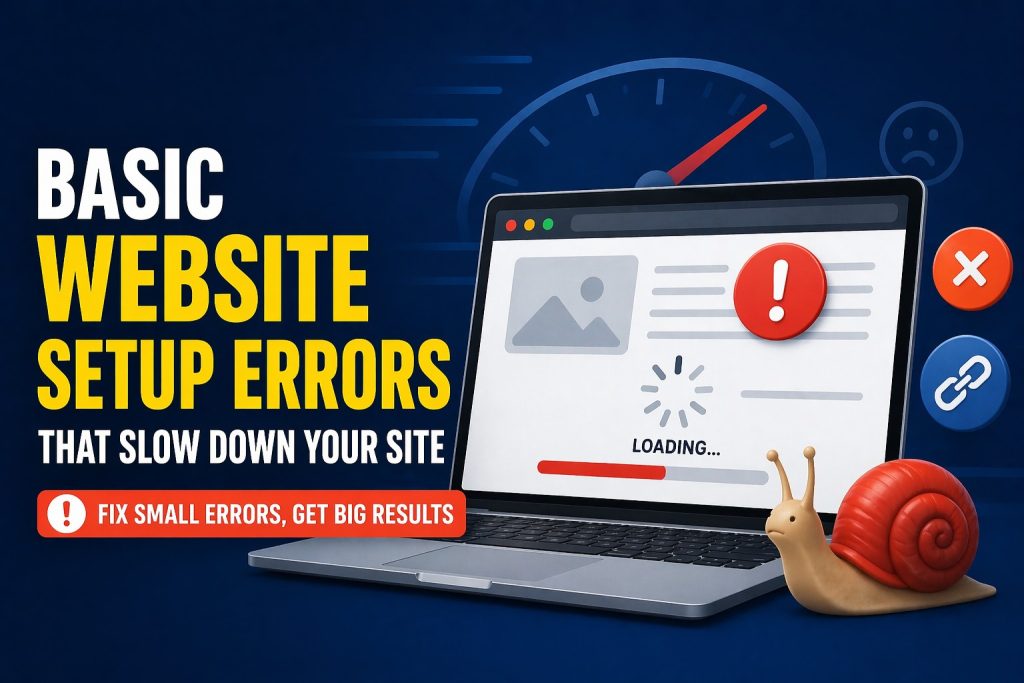
Why Website Setup Errors Hurt Performance From Day One
Speed problems often start before a website even goes live. A rushed launch can leave you with the wrong hosting plan, an unoptimized theme, large media files, and no performance tools in place. These website setup errors may not seem urgent on day one, but they quickly become expensive as traffic grows.website setup errors
A website needs a clean structure, fast hosting, lightweight files, and smart optimization choices. When those things are missing, visitors feel the delay immediately. Pages take too long to open, images load slowly, and forms respond poorly. Search engines notice this too. Google wants to rank websites that give users a smooth experience, so slow websites often lose visibility. That is why setup matters more than most people think.website setup errors
Many beginners focus only on looks and forget the hidden side of performance. They ask, what are common web design mistakes to avoid, but they often overlook the setup issues happening behind the design. In reality, both structure and speed matter. A site can suffer from web design mistakes and technical setup problems at the same time, and both can weaken results.
Image, Theme, and Plugin Choices Create Website Setup Errors
One of the biggest reasons websites become slow is poor content handling. People upload large images directly from phones or design software without compressing them. These image files may look sharp, but they also make pages heavier and slower. That is one of the most common website setup errors beginners make, especially when they want a visually attractive homepage.
Themes can create the same problem. Many users install a theme because it looks impressive in the demo, but they never check how heavy it is. A theme packed with extra animations, sliders, scripts, and design effects may look modern, but it can slow the site badly. This is one of the top website design mistakes because it places style above performance. A good website should look clean and load fast. It should not force visitors to wait just to admire design effects.website setup errors
Plugins also deserve attention. Beginners often install too many plugins for forms, sliders, popups, backups, SEO, speed, and visual builders. Some plugins are useful, but too many can create conflicts and extra load. In many cases, site owners blame WordPress itself when the real issue is plugin overload. A smart setup uses only the tools that truly matter.website setup errors
Another hidden problem is broken links. When internal links lead nowhere or old URLs are still active, the site feels messy and search engines lose trust. Using a link fixer approach, whether through manual cleanup or a reliable tool, helps improve the structure and user flow. Good speed is not only about server response. It is also about how smoothly users move through the website without hitting dead ends.website setup errors
Technical Website Setup Errors That Break Speed and Stability
Technical issues often stay invisible until they become serious. Some site owners skip caching, ignore script optimization, or forget to use a CDN. Others launch a website on low-quality hosting and expect fast results. These website setup errors weaken performance even when the content itself is strong.
Hosting is one of the biggest factors. If your hosting plan is too weak for your website, no theme or plugin can fully save it. A poor server setup leads to slow load times, admin lag, and inconsistent uptime. For business websites, that means lost trust and lost conversions. Good hosting gives your website the power to handle visitors, images, database activity, and future growth without slowing down.
Database clutter is another issue. Over time, websites collect unnecessary revisions, spam comments, expired transients, and unused plugin data. If no one cleans the database, the website becomes heavier and slower. That is one of those website setup errors that builds gradually and often goes unnoticed until the site feels sluggish.
Sometimes setup problems even lead to bigger technical failures. For example, a plugin conflict, memory limit issue, or theme error can trigger a wordpress website white screen. When that happens, the site may appear completely blank, and beginners panic because they do not know where the problem started. In many cases, the blank screen is not random. It comes from poor setup decisions, outdated tools, or incompatible software.
Design Decisions Can Also Slow the Website
Speed is not only a technical matter. Design choices also affect performance. Large hero banners, too many fonts, autoplay videos, oversized animations, and cluttered layouts all add extra weight. These are classic website setup errors because they often enter the site during the design phase and remain there long after launch.
This is where many web design mistakes connect directly with speed. A site that uses too many sections, bold effects, and unnecessary scripts may look exciting in theory, but it creates a poor real-life experience for visitors. Pages should feel smooth, not overloaded. Strong design is clear, focused, and easy to navigate.
Many of the top website design mistakes happen when site owners try to copy big brands without thinking about usability. A small business website does not need ten animated banners or complex transitions. It needs clarity, trust, speed, and a strong call to action. Simpler design often performs better because it reduces weight and helps users focus on the content.website setup errors
How to Fix Setup Problems the Smart Way
The good news is that you do not need to rebuild everything from zero. Most website setup errors can be corrected with smart improvements. Start with the basics. Compress your images, remove unnecessary plugins, choose a lightweight theme, and use proper caching. Check your hosting quality and upgrade if your server cannot support the site properly.
Then review your links, mobile layout, font usage, and page structure. Remove elements that do not add real value. Clean the database. Test the site on desktop and mobile. Run speed checks to see what is actually slowing things down. This process helps you move from guesswork to clear action.
It is also important to update WordPress core files, plugins, and themes regularly. Outdated tools create risk and instability. When your website has a clean setup, strong hosting, and optimized assets, it performs better for both users and search engines.website setup errors
Final Thoughts
Fast websites do not happen by accident. They come from better decisions at the setup stage. When you avoid website setup errors, your website becomes easier to load, easier to trust, and easier to rank. That means better user experience, stronger SEO, and more chances to turn visitors into real customers.
Our Trusted User :
Share this Post
Top Basic WordPress Errors and How to Fix Them
EcomiHost BlogBasic SEO Errors That Stop Your Website From Ranking
EcomiHost Blog